
It is well know that operating system (OS) is important for any device we use daily, like PCs, tablets, or smartphones, to work effectively. An OS is a program that coordinates between hardware and software.
Without it, these devices would remain just separate and non-working machines. Therefore, the OS is very important.
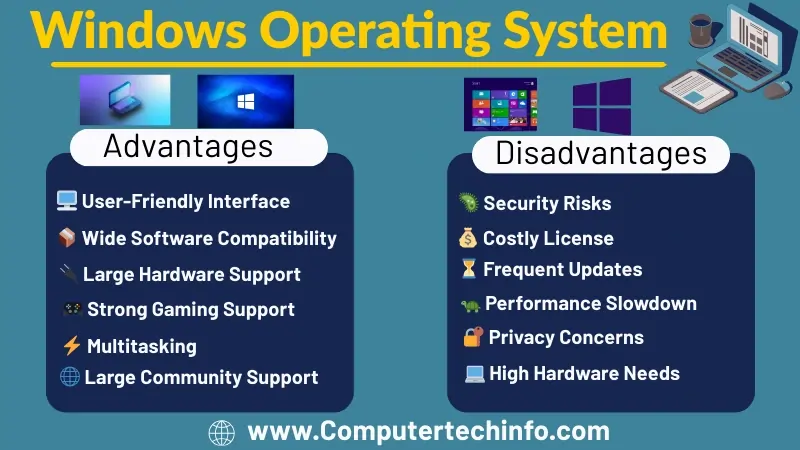
Even though an OS offers several advantages, it also has some weaknesses. This blog will explore the pros and cons of operating systems. Let’s start.
What Are The Advantages and Disadvantages of Windows Operating System?
As technology advanced, different types of operating systems also continued to develop. Every operating system comes with some advantages and some disadvantages. For this reason, new operating systems are continuously developed for better performance. Now we look at their main advantages and disadvantages.
Advantages of Windows OS
As we know operating system gives many benefits that improve the efficiency, usability, and security of computers. The following are some advantages.
Computing Source
It is know that operating system create contact between the user and the hardware. As well know, they help users can input data, process it, and see the results. This OS also helps to users with the computer and carry out several tasks effectively.
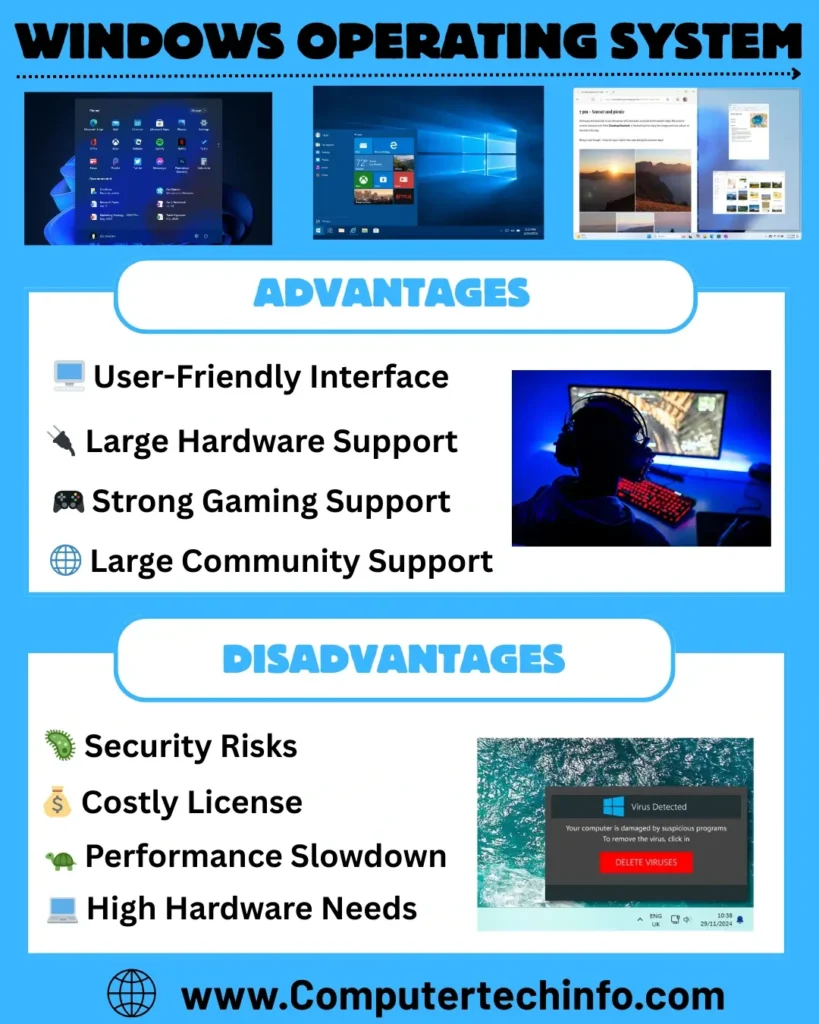
User-Friendly Interface
The introduction of the GUI in Windows OS made computer operations simpler and more accessible than the command line approach. This helped users understand the system better and operate it more efficiently.
Resource Sharing
The operating system provides the facility to share data and information. With its help, users can send information through printers, modems, and other devices. At the same time, data can be delivered to many people via email, and apps, images, and media files can be transferred from the PC to other devices.
No Coding Lines
After the design of the GUI, the operating system made access to hardware easier. Now users do not need to write code to use the hardware.
Safeguard of Data
An operating system is important to access the user data stored in a computer. The OS also works to manage data securely. For example, in Microsoft Windows, Windows Defender detects and removes dangerous files and keeps data secure through encryption.
Software Update
It is important to update the operating system from time to time so that new features and increasing technical needs can be handled. To keep pace with the updates of other software, the OS also improves its performance. It can be easily updated.
Multitasking
As we know OS allows users to handle many tasks at the same time by supporting multitasking.
Other Advantages
- An OS provides a platform for installing and executing various applications.
- It is well know operating system increases productivity and saves time by simplifying complex tasks.
- It simplifies data access, lowering the effort involved.
- A computer system allows users to copy, move, delete, and recover data.
- The independence of each component prevents one system’s failure from affecting others.
Disadvantages of Windows OS
As we know the operating system is helpful. But it still has some limitations that can influence performance, cost, and security. Its main drawbacks include:
Virus attacks: As we know hackers often target Windows because its security is weak. For this reason, mostly users have to rely on antivirus software. Moreover, they have also to update the OS with security patches continuously.
Most of the software is paid: Its popular software on Windows like games, Photoshop, and IDM are often paid. To use them, it is important to make a buy or pay a subscription fee.
Rebooting a system: When your computer becomes slow. It is important to reboot it. This occurs when too many programs are active at once overloading the system. And it can only be solved by rebooting.
High price: As we know Linux OS is free and open source for everyone, while Windows OS requires a paid license. The cost of buying Windows is higher, and additional fees also have to be paid for programs like Office.
High computer resources: It is know that for the Windows installation, high RAM, sufficient storage, and a good graphics card are need in the system. If you want to use graphics software like Photoshop, 16 GB RAM is approved.
Technical support: Windows support is not very helpful for regular users. Large organizations get better assistance from the team, and the rest of the people have to find answers to their questions from forums or online communities.
Windows Operating System Features
Windows OS includes many powerful features:
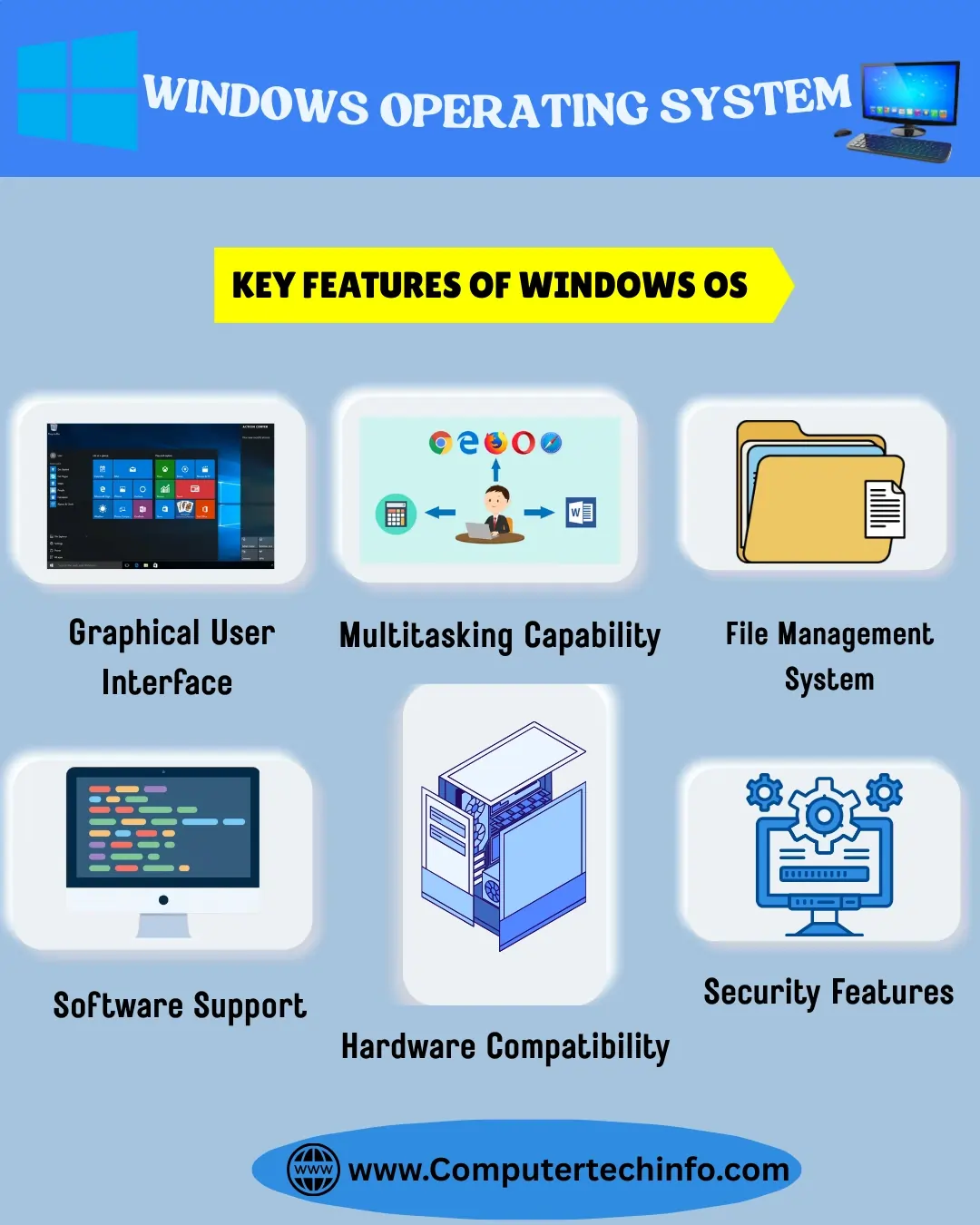
Graphical User Interface (GUI): As we all know windows OS gives a user friendly graphical interface that allows multiple features like as icons, menus, and a pointer.
Multitasking: This OS is ability to run multiple applications at the same time. So, users can easily switch from one program to another one.
Plug and Play: The operating system automatically detects and installs the need arrangement for newly connected hardware.
File Management: It manages files in a arranged way through folders, enables drag and drop functionality, and gives a search tool.
Security Features: It offers various security measures adding firewall protection, antivirus, user authentication, and encryption.
Networking Capabilities: It also gives network support, add LAN, internet access, and the ability to share files and printers.
Compatibility: It works well with various hardware elements and software programs.
Taskbar and Start Menu: This section allows you to get access programs, files, and system settings more fast.
Multimedia Support: This lets you easily to play music, videos, and various multimedia files.
FAQs (Frequently Asked Questions)
Final Words
In conclusion, OS makes computers and mobile devices efficient and user-friendly. They perform tasks like manage hardware, running applications, and ensuring proper communication between devices.
Its advantages are multitasking, security, and a simple interface. While disadvantages include high cost, system freezes, and frequent updates.
As we know it is important for both sides to know in order to choose the right operating system. So that the system becomes more reliable and efficient in daily tasks.


