Hello Learners! Today, we are going to show you all possible things about what directory structure in OS is; involving with their examples and types of directory structure in operating system with ease. This is ultimate article over the Internet. So, after reading this post, you will educate about Directory Structure in Operating System without getting any hassle.
What is Directory in OS?
A directory in an operating system is a special file that holds the information needed to reach files or other additional directories. It can define as the listing of related files on the disk, and it may store some or the entire file attributes. Directories help to logically organize files and directories in a hierarchical structure; and making it easier for users to access the data they need.

A directory can be seen as a file that holds the metadata of several files. Every directory supports a number of common operations on the file, such as creating, deleting, and modifying files. Directory structures help to increase the efficiency of the file system by decreasing the time that need to access files.
Directory Implementation in OS
The implementation of directories in operating system involves several key components and concepts, including:
Directory Entry
• Directory entry is such a data structure that holds the information about a file or a subdirectory that found within a directory.
Read More: Multitasking Operating System? Examples, Types, Advantages
• It typically includes the file or sub‑directory name, an identifier (inode in Unix‑like systems) and metadata such, as file type, size and permissions.
Directory Structure
• The way folders are organized creates a tree shape with a folder at the top and each other folder can have files and other folders, inside it.
• This way of arranging folders makes it simple to keep things organized and find them later.
File Allocation Table (FAT) or Inode Table
• In ways of storing files on a computer, each file and each folder get a special number called an inode.
• A File Allocation Table (FAT) or similar data structure may use to map file names to their corresponding inodes.
Operations on Directories
• I find that common operations, on directories are creating a directory deleting a directory listing the contents of a directory and navigating between directories.
• File systems also give system calls or APIs to help with these tasks.
Pathnames
• Pathnames are words that show where a file or folder is located inside the folders on a computer.
Read More: Batch Processing Operating System: Advantage, Disadvantage, & Examples
• Absolute pathnames show the way starting from the top folder while relative pathnames show the way starting from the current folder.
Permissions and Security
• Directories, like files have permissions that decide which users or processes can do things with them.
• Security systems make sure only people who are getting to allow can look at or change directories.
Special Directories
• When I work with operating systems I find that they often contain directories such as the root directory, the current working directory and the parent directory.
• The root directory is the top‑level directory, in the hierarchy and the current working directory is the directory where a process is currently running.
Operations in Directory Structure
There are various tasks and actions that can perform on directories (folders) within a file system. Here are some common operations with their commands:
Creating Directories
To creating the new files and the directories using the commands like mkdir in Linux/Unix or mkdir in Windows.
Changing Directories
Navigate to different directories using cd in Linux/Unix or cd in Windows.
Listing Contents of Directory
Use ls in Linux/Unix or dir, in Windows to display the contents of a directory.
Copying Directories
On Windows you can use xcopy /E to copy directories.
Moving/Renaming Directories
Move or rename directories with mv in Linux/Unix or move in Windows.
Deleting Directories
Directories can be removing using the rm -r command in Linux/Unix or the rmdir /s /q command in Windows.
Viewing Directory Path
To find the working directory execute the pwd command in Linux/Unix or the echo %cd% command, in Windows.
Finding Files/Directories
You can search for files and directories with the command on Linux/Unix and dir /s /b on Windows.
Types of Directory Structure in Operating System
There are different types of directories that are going to use in operating system, below shown each one along with their benefits and drawbacks; you can read them:
Read More: What is Process in OS? Types of Process in Operating System
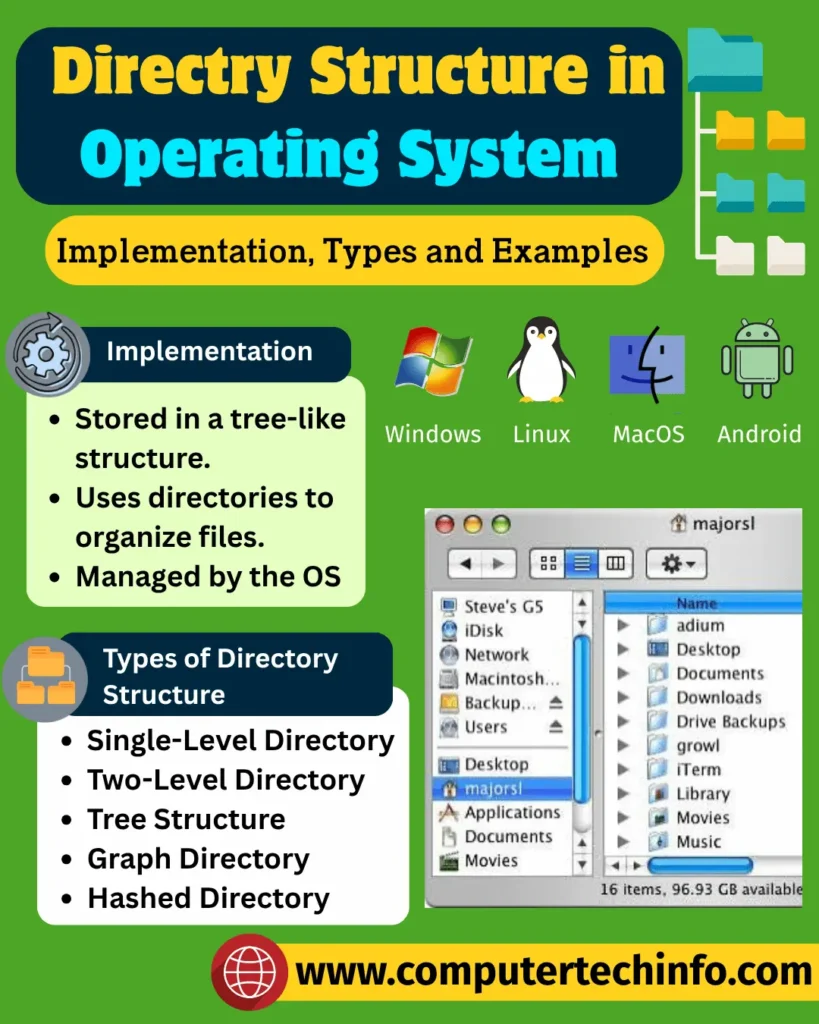
Single-Level Directory
Single-level directory is the simplest directory structure in which all files allow to contain in the same directory, called the root directory. This structure can be easily to keep understand and implement that allows to make it ideal for small-scale file management systems.
However, it becomes complex and difficult to manage as the number of files increases, and it requires unique names for each file, which can lead to naming problems. Security is also less, as anyone who has access to the directory can see all the files. Because of this it is not suitable, for large‑scale systems that have users or files.
Two-Level Directory
In a two-level directory system, files are organized into two levels of directories. The first level contains a master directory, which contains separate directories dedicated to each user. For each user, there is a different directory present at the second level, containing a group of user’s files.
This structure offers the more organized way to store and manage files as compared to the single-level directory structure. The system doesn’t allow a user enter another user’s directory without getting to permission that enhances security. The two-level directory structure is suitable for managing a moderate number of users and files.
Tree Structure/ Hierarchical Structure
Tree-structured directory is a directory structure in which directories can contain other directories forming a tree-like structure. This directory contains hierarchical organization that can be using to represent many types of data making. Tree-structured directory especially helpful for representing file systems, taxonomies and organizational structures.
Read More: Multiprogramming Operating System: Examples, Types, & Advantage
The tree-structured directory structure keeps enabling the file retrieval. It also allows the insertion and deletion of nodes into the tree. Traversing a tree is a simplest operation that can do in different ways depending on the requirements of the application. Trees are easy to maintain because they enforce a strict hierarchy and relationship between nodes.
Acyclic Graph Structure
Acyclic graph directory structure allows multiple directories to point to the same file or subdirectory. This structure is mostly using in projects where two users need to work jointly, and the needed files get store in a subdirectory separate from other files so that they can access easily.
The advantages and disadvantages of an acyclic graph directory structure are as follows:
General-Graph Directory Structure
The general graph directory structure in an operating system allows the creation of a directory within a directory, creating a flexible version compared to other directory structures. This structure permits the cycle or creation of a directory within a directory, providing more flexibility.
However, it can lead to challenges such as calculating the total space taken by the structure and the need for garbage collection. The general graph directory structure is using in situations where files need to share and accessed from multiple directories, making it more scalable than other directory structures.
Other Types of Directory Structure
Distributed Directory: In distributed environment, directories may be distributing across multiple machines or servers. This structure is common in distributed file systems.
Subdivided Directory: The file system is split into several directories. The split is based on things like user names, project names or departments. Each part can have its folder structure. This makes it easier to manage files by groups or teams.
Read More: Multiprocessor Operating System: Examples, Types, Advantages, Feature!
Mount-Point Directory: In systems that support mount points different file systems can be attached to directories. This brings them into the file structure. It is often seen in UNIX and Linux systems, where separate storage areas are joined seamlessly.
Indexed Directory: This type uses a list or table to keep track of where each file’s located.This can speed up finding and retrieving files.Nonetheless, it complicates the management of the system.
Clustered Directory: Files are grouped together based on how they are used or accessed.Related files are stored close, to each other.This helps improve performance especially when accessing files in sequence.
Directory Structure in Windows OS
The directory structure in Windows OS is hierarchical and consists of various directories and files organized in a structured system. Key directories in the Windows directory structure include:
Root Directory: The Root Directory is represented by the backslash character ($$). The Root Directory represents the hierarchy level of the directory structure.
System Directory: Contains essential system files and folders.
Program Files Directory: Keeps installed programs and all the files that go along with them.
User Directory: Holds files that belong to a user like documents, settings and information from applications.
Read More: Embedded Operating System: Definition, Types, Examples, & Applications
Inside these folders there are smaller folders that each have their own special job. For example the App Data directory is meant for data generated by applications. The Temp directory is used for temporary files. The organization of folders helps users in maintaining their files and folders systematically. This makes finding and using the required information easier for information.
Directory Structure in Unix-Based OS
The directory arrangement in Unix-based operating systems is hierarchical and comprises multiple directories (or folders) and files organized in which orderly system. Key directories in the Unix-based OS directory structure include:
Root Directory: Denoted by the forward slash character (/), it is the highest level of the directory structure
Bin Directory: Contains essential system binaries and commands
Etc Directory: Contains system configuration files
Home Directory: This is where a user keeps files like documents, settings and data for different apps
Var Directory: Includes variable data files, like logs and spool files
Unix-based OS directory structure follows a tree-like structure, where each directory can have multiple subdirectories and files.
Bottom Words
Now, we make ensure that you have been fully understood about what directory structure in OS is; involving with their examples and types of directory structure in operating system with ease.
If this article is valuable for you, then please share it along with your friends, family members, pet lovers or relatives over social media platforms like as Facebook, Instagram, LinkedIn,X, and more.
Do you have any experience, tips, tricks, or query regarding on this? You can drop a comment!
Have a Nice Day!