Let us discuss IP addresses on a network are mainly assigned using Dynamic Host Configuration Protocol. This dynamically allocates addresses to devices while optimizing overall address utilization.
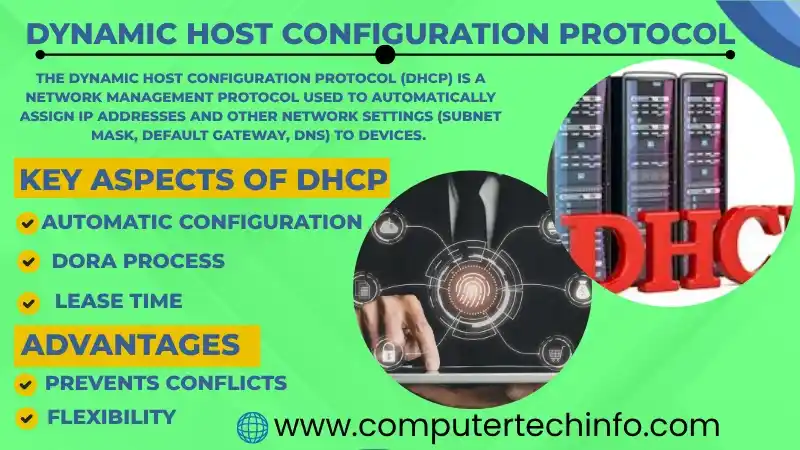
In this article we have explained DHCP and its role in computer networks. It is including the DHCP handshake process, its uses, benefits and issues.
What is DHCP Protocol?
As we know the Dynamic Host Configuration Protocol is a client server protocol using to automatically transfer an Internet Protocol address and other network configuration parameters.
So, this allows the subnet mask and default gateway to hosts over a network. Further, it operates with using port 67 on the server and port 68 on the client side.
Also Read: What is Address Resolution Protocol (ARP)? How to Work with Examples
It is known the DHCP allows network heads to centrally monitor and share IP addresses. As we know automatically giving a new IP address when a device get connection at a different point in the network.
What are the Benefits of Dynamic Host Configuration Protocol?
The DHCP protocol enables organizations and network administrators to:
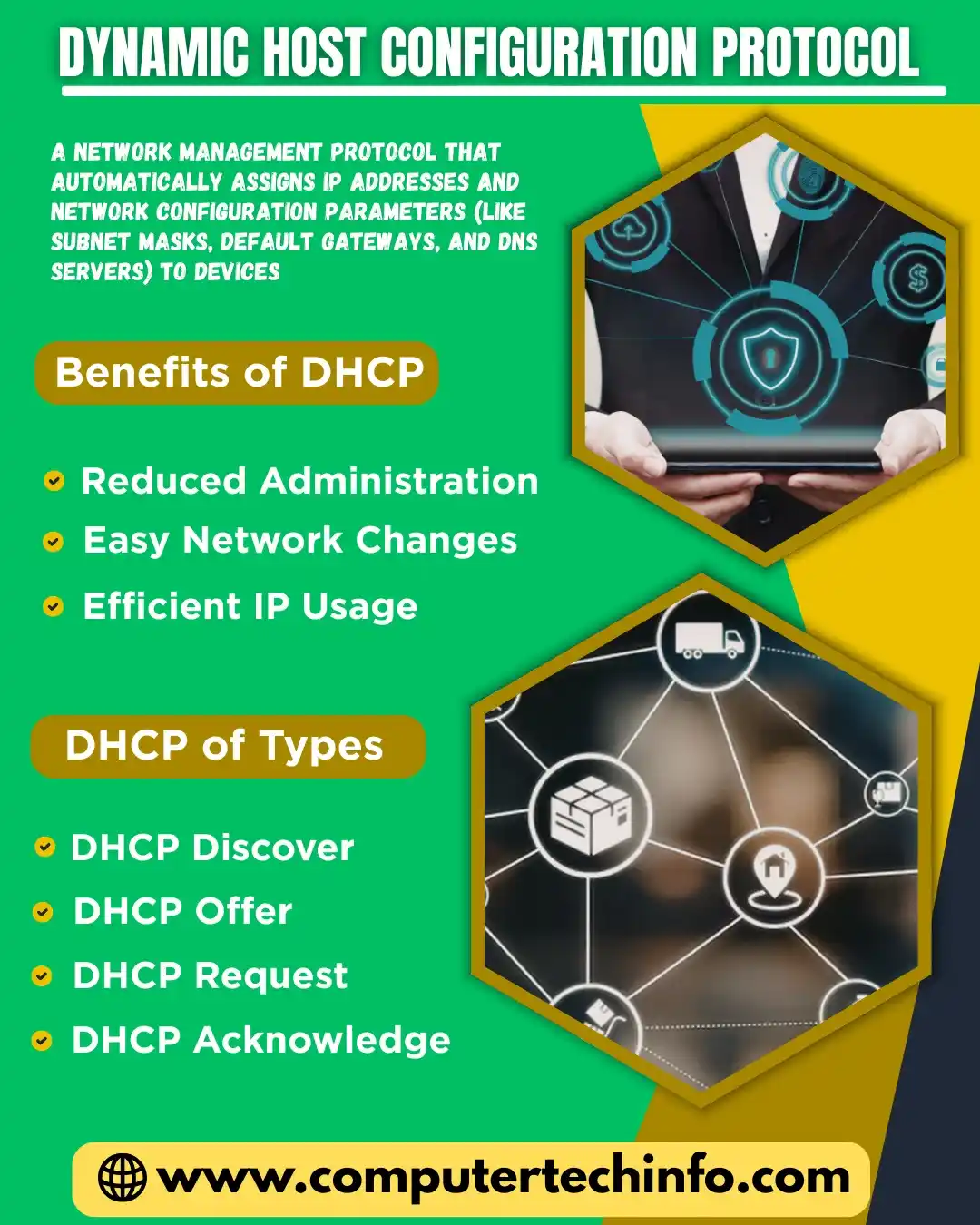
Streamline network management : Let’s talk the Dynamic Host Configuration Protocol improves network efficiency by automatically share IP addresses. It is reducing the need for manual intervention. It is particularly useful for mobile devices that frequently switch locations within a wireless network.
Optimize IP addresses : It is reusing IP addresses reduces the overall number of addresses needed in a network.
Simplify change management : The Dynamic Host Configuration Protocol enables organizations to switch IP address ranges without affecting end users.
Minimize mistakes : The Dynamic Host Configuration Protocol centralizes and automates IP address management. It reduces the risk of duplicate or incorrect address share.
How Does the Dynamic Host Configuration Protocol (DHCP) Work?
As we know the DHCP communicates with devices as they join a network automatically. It is giving the necessary configuration details to access key network services.
For example,in a small home network with a laptop, tablet and phone. It is manually assigning IP addresses is manageable because there are only a few devices.
Also Read: Reverse Address Resolution Protocol and its Complete Guide
On other hand configuring IP addresses along with subnet masks. DNS servers and other need settings for hundreds of devices would need a significant amount of time and effort.
DHCP handles this automatically by giving all necessary configuration data to connected devices.
DHCP Components
The primary DHCP components include a DHCP server, client, and relay.
DHCP server
This server automatically gives IP addresses and other need network settings to devices joining a network. It is using a pool of available addresses to assign dynamic or temporary IPs.
DHCP client
As we know a DHCP client refers to a host device that requests and accepts network configuration details give by a DHCP server.
DHCP relay
Let’s define a DHCP relay is a TCP/IP device that passes DHCP requests and responses between clients and servers. It is especially in networks with multiple subnets. It allows one DHCP server to manage addresses across the entire network.
Types of DHCP Configurations
Dynamic DHCP : As we know this is the most common type IP addresses are dynamically allocated from a shared pool when devices join the network and released back into the pool when they leave.
Static DHCP In this arrangement selected devices are allocating a fixed IP address. This is important for tools like servers and printers.
Also Read: Blockchain Private Key QR Code and its Origin, Risks | How to Generate It
Manual Allocation : In some networks administrators manually configure IP addresses. But, Dynamic Host Configuration Protocol is still using to record and manage those assigned addresses.
Relay Agent : It is known the large networks with multiple subnets a transmit agent is used to forward DHCP requests across subnets. It is confirming devices in different network segments can obtain IP addresses from a central DHCP server.
DHCP Use Cases & Applications
Home Networks
As we know DHCP is mainly using in home networks to automatically give IP addresses to devices such as phones, laptops and smart home systems, eliminating manual setup.
Enterprise Networks
It is known large enterprises use DHCP to handle IP address assignment for thousands of devices with centralized control making network management more efficient in dynamic settings.
Public Wi-Fi Hotspots
Let’s define in public places like airports and cafés. DHCP is using to give users with temporary IP addresses. It is ensuring efficient use of network resources.
Mobile Networks
As we know in cellular networks DHCP gives mobile devices with IP addresses as they move between coverage zones. It is helping maintain uninterrupted service.
Advantages of DHCP
The placement of Dynamic Host Configuration Protocol offers many benefits for organizations and network administrators such as:
Also Read: What is Private Blockchain? Examples & Uses | How to Create It?
● The DHCP allows to simplify network administration by automatically handling IP address assignment. And, it lets to minimize manual setup and improving the efficiency of large-scale networks.
● DHCP easily handles the change in network structure when devices are added, removed or moved.
● It lowers the chance of manual errors, such as IP conflicts or wrong subnet configurations, by automating the setup process.
DHCP Has Many Security Concerns
● DHCP Spoofing : As we know attackers can use a mean DHCP server on a network. which interferes with communication by assigning incorrect IP settings.
● DHCP Starvation : It is knowing attackers may cause a rejection of service by flooding the network with requests using fake MAC addresses. It is exhausting the available IP address pool for valid users.
● Information Leakage : Let’s define attackers can alter DHCP messages to redirect traffic, steal data or start other use actions.
● DHCP Relay Vulnerabilities : In simple word a compromised DHCP transmit agent can introduce harmful messages into the network and potentially reach restricted segments.
DHCP vs Static – Differences
Here’s a clear comparison of DHCP vs Static IP
Also Read: What is Public Blockchain? Types, Example, Use Cases, Pros & Cons
| Feature | DHCP (Dynamic IP) | Static IP |
| Definition | Automatically assigns IP addresses | Manually assigned IP address |
| Configuration | Automatic | Manual setup required |
| Ease of Use | Easy and user-friendly | Requires technical knowledge |
| IP Changes | Changes periodically | Remains constant |
| Network Management | Centralized and efficient | Harder to manage in large networks |
| Error Chances | Low (automatic) | Higher (manual errors possible) |
| Security | Slightly less secure | More secure (fixed identity) |
| Cost | Usually free | May involve extra cost |
| Best Use | Home networks, offices, public Wi-Fi | Servers, printers, CCTV, hosting |
Dynamic Host Configuration Protocol in Mobile Computing
Let us discuss in mobile computing DHCP is using to automatically give IP addresses and network settings to mobile devices like phones, tablets and laptops. It is allowing fast configuration when they connect to Wi Fi or cellular networks.
As we know this helps ensure smooth connectivity efficient IP address management and fewer configuration errors. It is making it vital for modern mobile communication and internet access.
FAQs (Frequently Asked Questions)
Summing Up
At Finally, DHCP plays important role in modern networking by automating the management of IP address and important configuration settings.
Also Read: Types of Blockchain Network Technology and its Examples and Use Cases
As we know networks heads can be aware of the combined dangers and apply best practices to confirm the security and stability of their networks. It is known organizations can maintain efficient network operations and safe their digital environments.
If this article is valuable for you, then please share it along with your friends, family members, pet lovers or relatives over social media platforms like as Facebook, Instagram, Linked In,Twitter, and more.
Do you have any experience, tips, tricks, or query regarding on this? You can drop a comment!
Have a Nice Day!