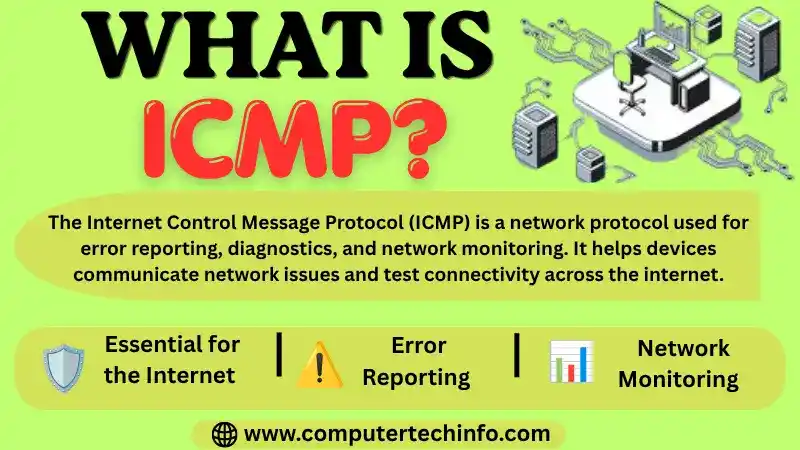
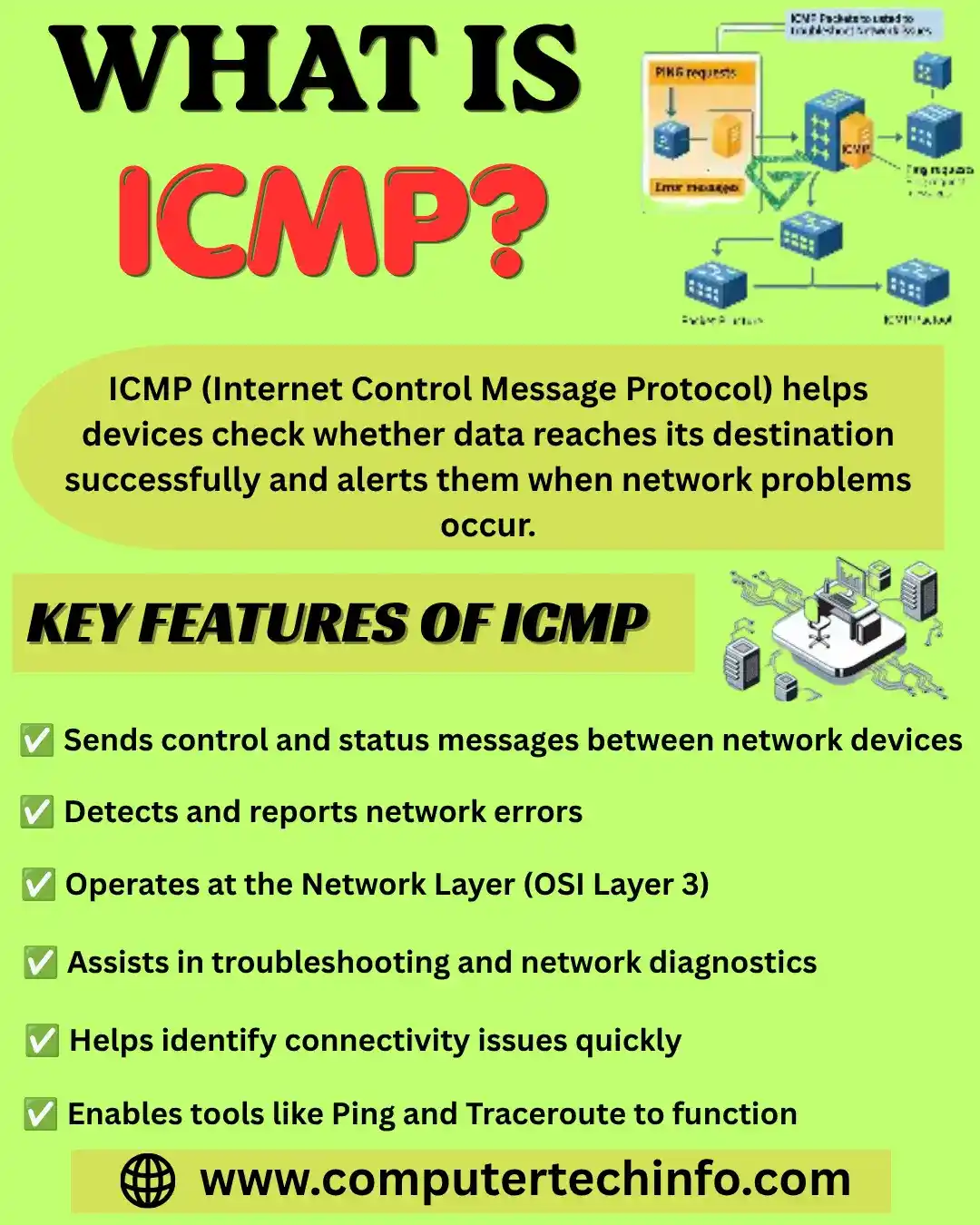
In simple terms ICMP is a protocol that helps devices communicate network errors and connectivity information. It helps network devices like routers detect, report and troubleshoot communication errors in a network.
ICMP helps check whether data is reaching the target destination on time. As well as, this also makes it an important tool for detecting errors and testing network connections.
History of ICMP
In old generation the ICMP protocol created as a main component of the Internet Protocol Suite. It introduced in 1981 with RFC 792. ICMP developed during the early stages of the Internet to address the growing need for effective error reporting and network diagnostic capabilities.
Also Read: What is DHCP (Dynamic Host Configuration Protocol)? Guide
Over the years ICMP has undergone numerous improvements including the introduction of new message types. These developments its core function of giving feedback on datagram processing problem has remained unchanged. It is making a main tool for network testing and troubleshooting.
What is ICMP Used For?
ICMP gives many uses in computer networks such as error reporting, querying and Performing Network Diagnostics.
Error reporting enables hosts and routers to communicate problems encountered during the transmission of IP packets. A router that cannot locate a way to the destination host will send an ICMP location unreachable message to the source host informing of the problem. It can change its approach.
In simple word querying can be using to request or give information about the status and configuration of hosts and routers. A host can decide in case another host is available by sending an ICMP Echo Request and receiving an Echo Reply in return.
The response enables the host to measure network latency and analyse the path taken to reach the destination.
As we know ICMP helps diagnose network problems by giving feedback about the status of data transmission. Because IP does not have a built-in way to report errors or network conditions.
ICMP allows devices to send messages about errors, network congestion and other problem. This information helps administrators troubleshoot problems and identify the causes of network delays.
How Does ICMP Work?
ICMP communicates error and status information using datagram’s instead of connection-based communication. As a result, it does not need a stable connection between devices before transmitting ICMP messages.
Also Read: What is Address Resolution Protocol (ARP)? How to Work with Examples
When a user connects to the internet and attempts to access a website. the traffic fails to reach the intended host network devices may trigger the ICMP protocol. While the user may only see a message such as This site can’t be reaching multiple processes are occurring behind the scenes.
A device like a router can send an ICMP message back as a datagram. The message explains the problem using codes such as Time Exceeded or Destination Unreachable. It also includes part of the original data packet to help the sender understand what went wrong.
Types of ICMP Messages
There are many types of ICMP Protocol messages:
Information Messages: In information messages a sender transmits a query to a host or router and expects a response. In other words, it wants to determine whether the router is active and reachable.
Error reporting message: This means that when a router has a problem handling an IP packet. It sends a message to report the error.
Query messages: Query messages are using by routers or network administrators to request and retrieve specific information from other hosts or routers.
Source Mitigation: It is using to decrease the volume of message traffic transmitted from the source toward the destination router.
Time Exceeded: It is known the fragments stored by a router are discarded. Their lifetime expires in the network after which ICMP uses the source IP address from the affected packet.
Also Read: Reverse Address Resolution Protocol and its Complete Guide
This allows the source to be informing that the datagram dropped because the time to live (TTL) field reached zero through the transmission of a Time Exceeded message.
Fragmentation Required: As we explain a packet is too large for the next network link. the DF (Don’t Fragment) bit decides what happens. As we know a packet cannot reach its location the router removes it and informs the sender by sending an ICMP location unreachable message.
Destination Unreachable: This message means the destination; network or port in the IP packet cannot be reaching. It may happen because the destination device is not working. The connection may fail when a router is unable to route the packet or when a firewall safe.
Redirect message: This is using when a router informs the sender to use an alternative path to a specific destination. It is typically when it has knowledge of a more optimal route.
ICMP vs TCP
Let’s define the Internet Control Message Protocol gives a fundamentally different goals from the Transmission Control Protocol (TCP). As a TCP, ICMP is not using for the transmission of application data and is not considering a standard data transport protocol.
It functions as a control protocol for communication between network devices. It is carrying messages such as redirects and timing information used for synchronization. It’s does not operate as a transport protocol for delivering data between hosts.
On the other hand, the Transmission Control Protocol (TCP) is a transport layer protocol designed to transmit actual data between devices. It is mainly going to use due to its reliability.
Also Read: Blockchain Private Key QR Code and its Origin, Risks | How to Generate It
It ensures that data packets are delivered in the correct order and gives mechanisms for error detection and correction. It is commonly used in applications such as email and file transfers. TCP is preferred when reliable and ordered delivery is need even if speed is not the primary concern.
ICMP Advantages
Faster troubleshooting and reduced downtime: As we know ICMP gives detailed error reports that reveal the specific location of network failures. It is allowing for fast troubleshooting and resolution.
Built into every internet connected device: ICMP does not need installation or configuration like proprietary tools its universal support makes it easy to diagnose network problem across different systems with the same basic commands.
Minimal network overhead: It is mainly consuming a negligible amount of network bandwidth. It is making an efficient choice for continuous monitoring without impacting performance.
ICMP Drawbacks
Let’s explain ICMP plays an important role in network management. Its security was not a primary concern in its original design it presents multiple vulnerabilities that administrators should understand.
ICMP can be used for network inspection. It is allowing attackers to map network topology, detect active hosts and identify running services. This information collecting often comes before targeted attacks.
Also Read: What is Private Blockchain? Examples & Uses | How to Create It?
For your information, ICMP doesn’t accept security features such as authentication or encryption. It just allowing to malicious actors to spoof messages and inject fake errors. And, with doing this, it can disrupt or redirect traffic without detection.
ICMP introduces operational trade-offs. As it supports main diagnostic tools. It is disabling completely can reduce network visibility and make troubleshooting more difficult even in security focused environments.
FAQs (Frequently Asked Questions)
Verdict Up
In conclusion, Internet Control Message Protocol is a main network layer protocol that enables devices to report errors and improve communication efficiency. It is mainly used as a valuable tool for network diagnostics.
Also Read: Types of Blockchain Network Technology and its Examples and Use Cases
It is mainly used by network to better understand network performance through tools such as Ping and Trace route. So, it gives ongoing checks to ensure network stability. It is important to properly secure and monitor networks. As ICMP can also be used in DDoS attacks.
If this article is valuable for you, then please share it along with your friends, family members, pet lovers or relatives over social media platforms like as Facebook, Instagram, Linked In,Twitter, and more.
Do you have any experience, tips, tricks, or query regarding on this? You can drop a comment!
Have a Nice Day!